Search for answers or browse articles about Sintel Forms
Form Header and Footer
Sintel Forms Header and Footer
In our September 2023 release (v1.43) we have introduced a new Header and Footer feature. This feature works by automatically adding a Header section and a Footer section into your forms. These sections are hidden by default and if you wish to use them you simply uncheck the “Hidden” switch in the “Section properties” panel after selecting the Header or Footer section.
The new Header and Footer sections make it much easier to configure your form layout as you no longer need to manually add sections with custom HTML to achieve a nice design within your forms.
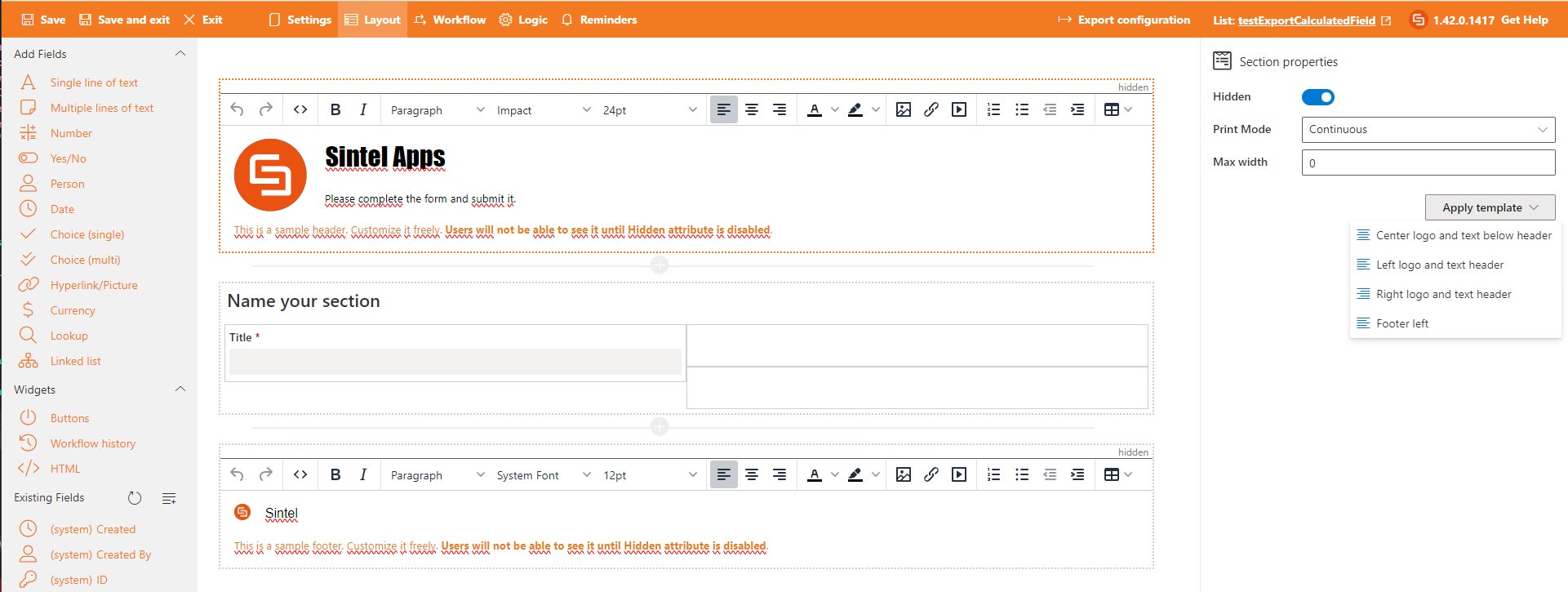
Both of the new sections contain a number of properties that you can configure including:
- Print Mode-allows you to configure printing options.
- Max width-allows you to configure the maximum with of the section.
- Apply template-permits you to choose from a number of predefined templates for your Header and Footer.
Both the Header and the Footer sections can be edited within the Sintel Forms Designer using a built-in editor. You can type in any text and format it using icons from the command bar.

The editor also allows uploading images.
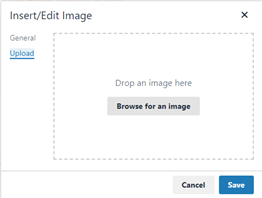
Any images you upload are stored in a dedicated document library within your site named SintelFormsImages. If you export your form configuration your images will be included in the export and if you import the form configuration into another site or another tenant the images will be available in that new site or tenant.