Search for answers or browse articles about Sintel Forms
Lookup Columns: Retrieve additional columns from Lookup List
Sometimes you may want to pull in additional columns from a lookup list when you are creating the lookup column and this is pretty simple to do.
Example
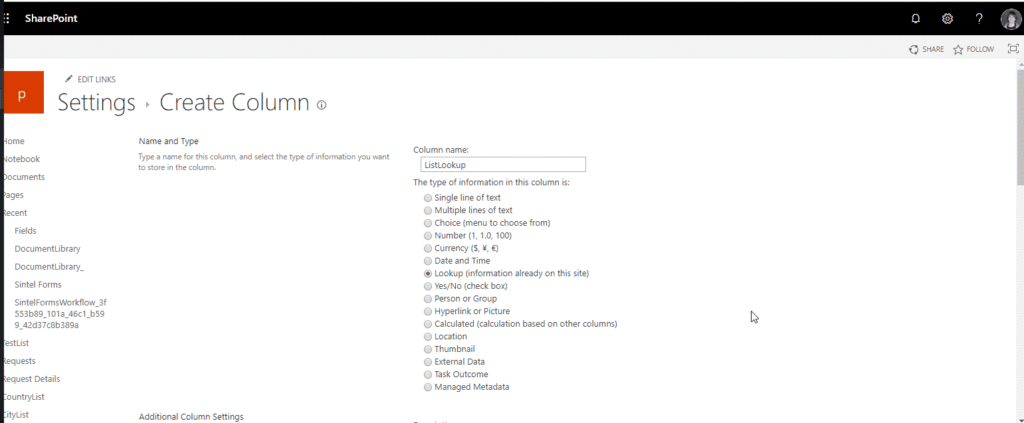
Let’s start by configuring SharePoint:
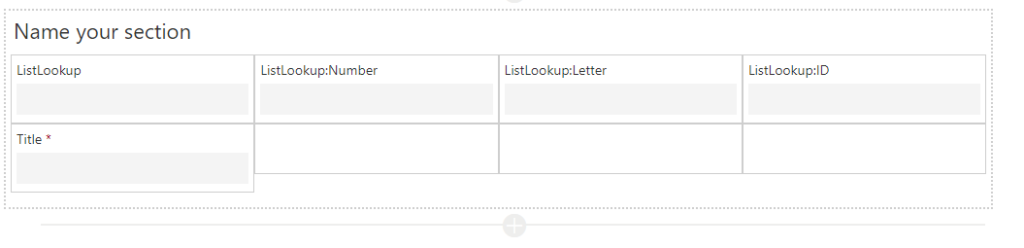
As you can see besides the Lookup column which retrieves its data from “Title”, we also select “ID”, “Number” and the “Letter” field. Now its time to add our fields into the layout.
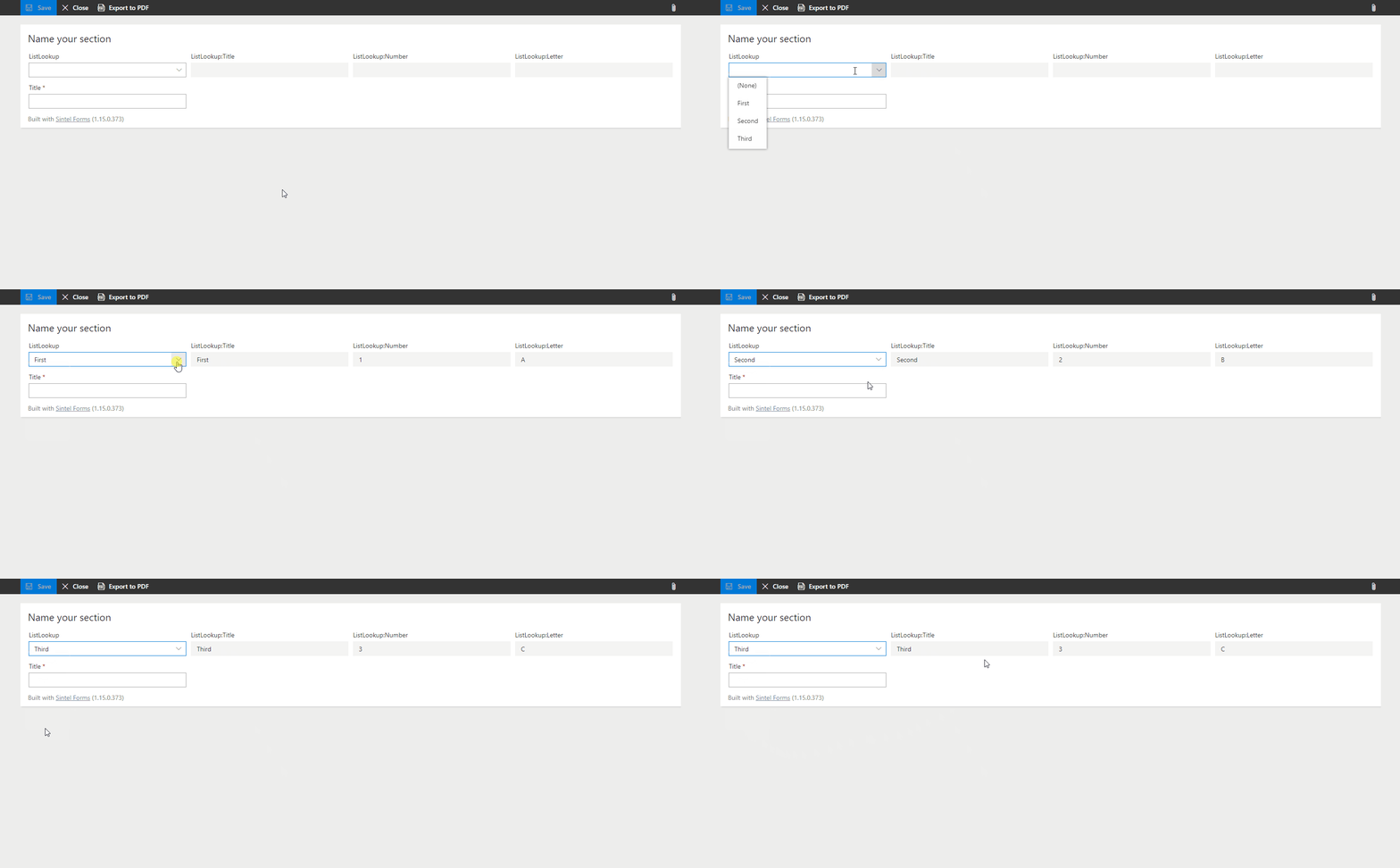
Now that the fields are added lets see how it looks.

You can see from the animation above that in addition to the main Lookup field (“ListLookup”) the other additional fields are also retrieved from the Lookup list and are read-only on the form. If you change the selected value in the “ListLookup” column the related values will be retrieved from the Lookup list.