Search for answers or browse articles about Sintel Apps
After save script
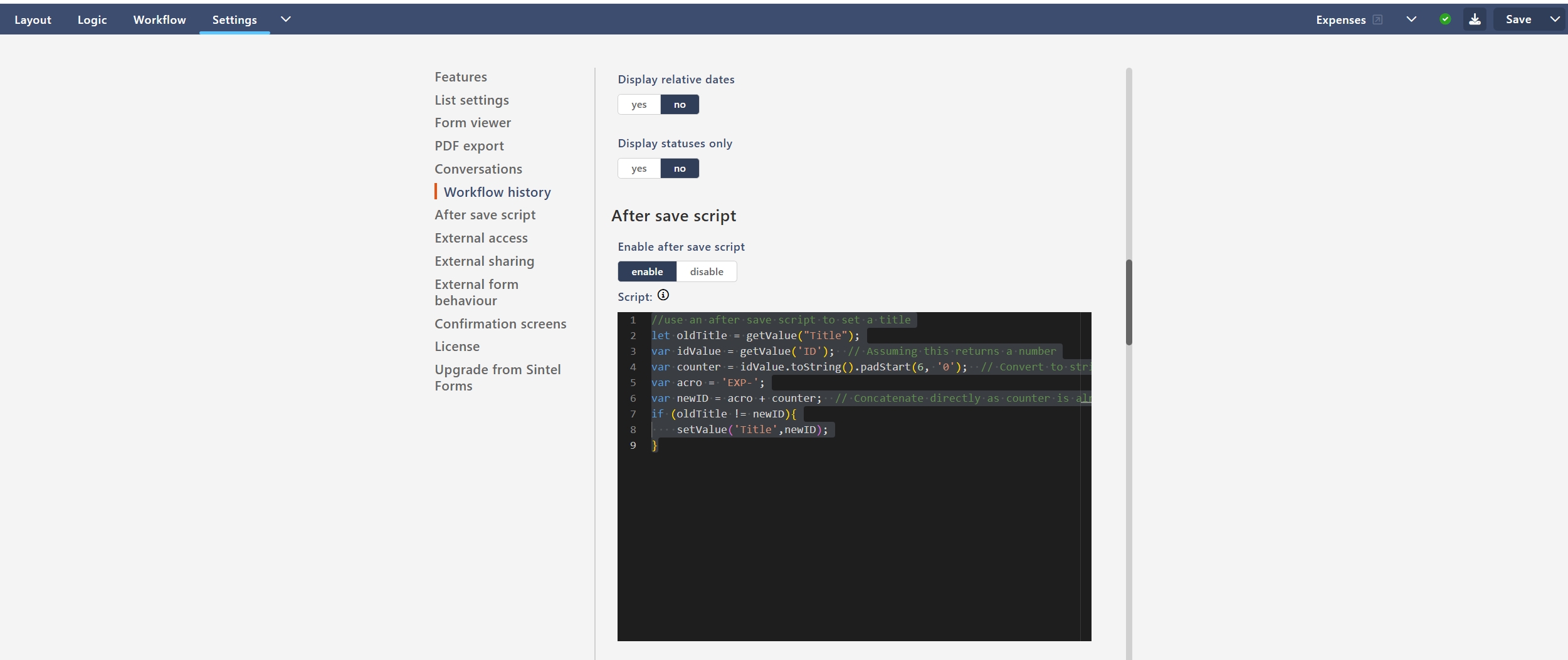
The After Save Script option allows you to run custom JavaScript after a form has been successfully saved. This can be useful for automating actions such as updating field values, generating reference numbers, or performing custom business logic.
Example: Automatically Generate a Title
The following script creates a formatted title based on the record’s ID.
//use an after save script to set a title let oldTitle = getValue("Title"); var idValue = getValue('ID'); // Assuming this returns a number var counter = idValue.toString().padStart(6, '0'); // Convert to string and pad with leading zeros if necessary var acro = 'EXP-'; var newID = acro + counter; // Concatenate directly as counter is already the correct length if (oldTitle != newID){ setValue('Title', newID); }
What This Script Does
When a record is saved, the script:
- Retrieves the current value of the Title field.
- Retrieves the record’s ID value.
- Converts the ID to a six-digit number by adding leading zeros if required.
- Adds the prefix EXP- to the formatted number.
- Updates the Title field with the generated value if it is different from the current title.
This pattern is commonly used to generate user-friendly reference numbers such as:
- EXP-000001
- INV-000123
- CASE-005678
- PROJ-001245
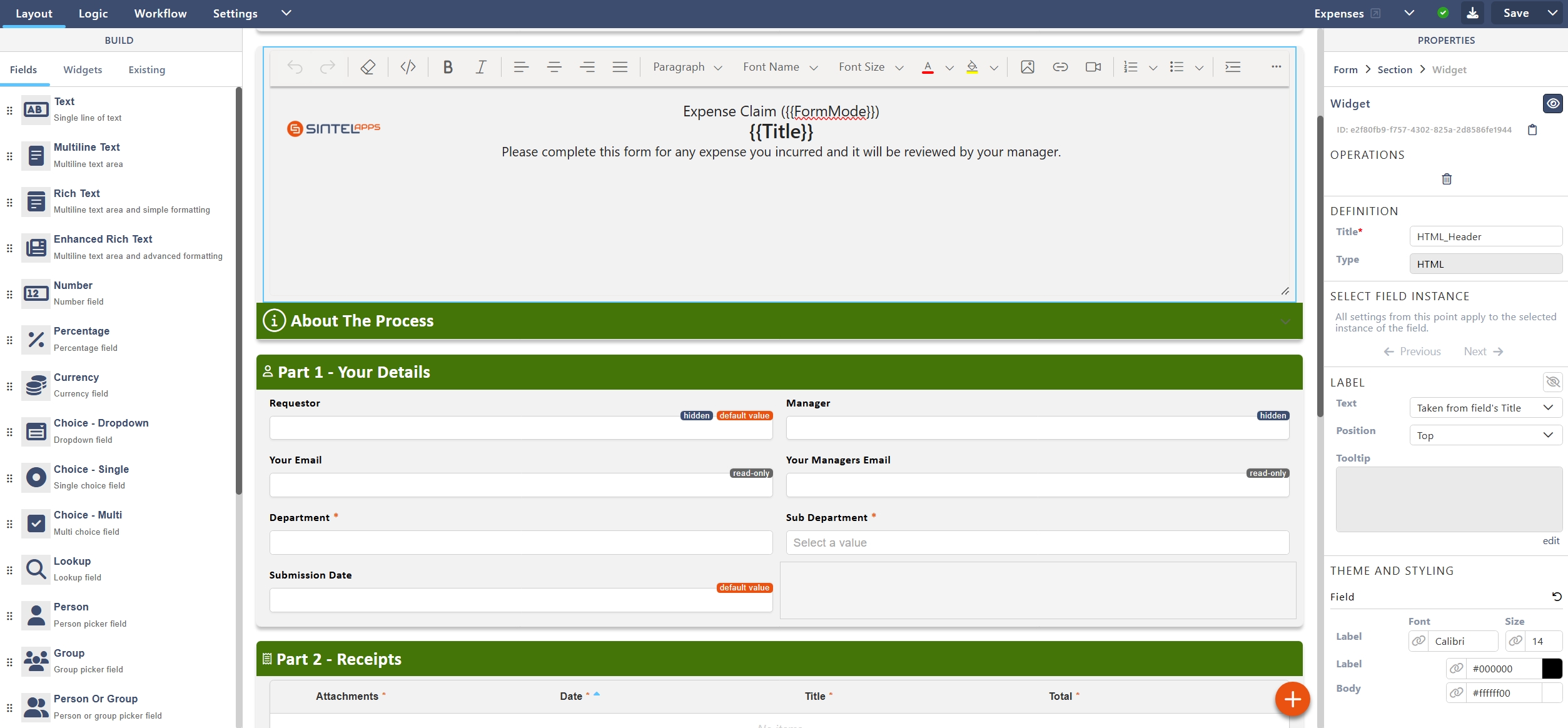
Using an After Save Script ensures that the record has already been assigned an ID before the title is generated, making it ideal for creating unique identifiers based on the record’s saved ID. You can then add that ID to a form header so each form as idenitfiable reference number that makes sense for your specific app.